Let’s be honest: every WordCamp schedule looks amazing until you’re standing in the hallway at 10:29 trying to pick between four rooms at once. Somewhere in there is the session you actually needed, and somewhere else is the one you picked because it was closest to the coffee. We’ve all been that person. It’s basically a rite of passage.
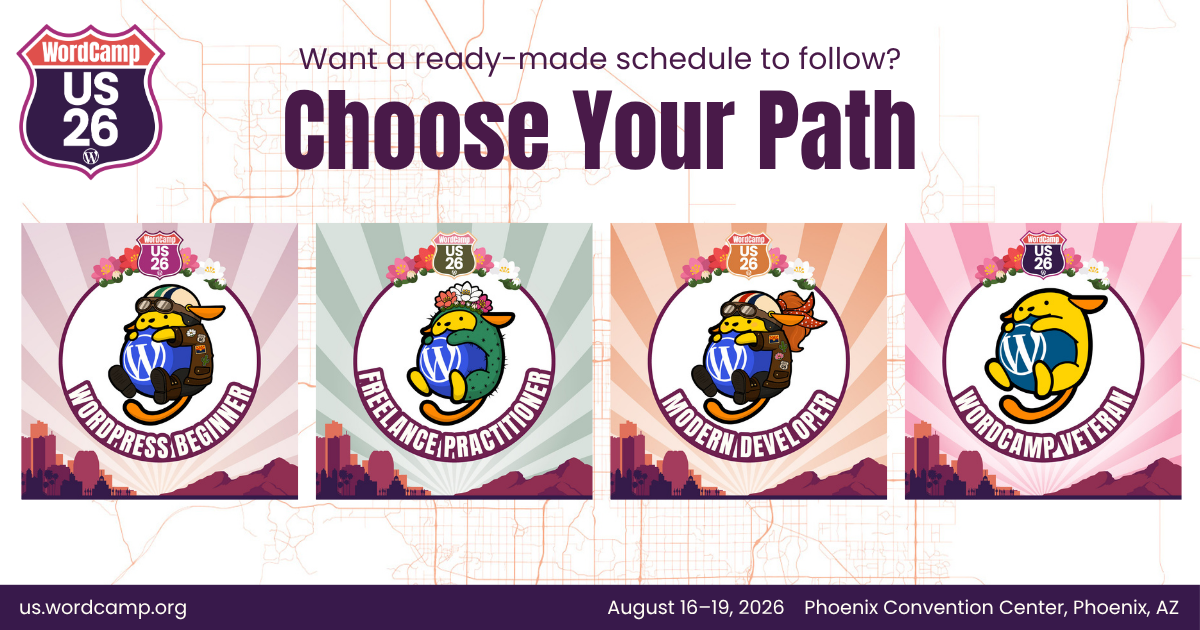
Here’s the good news…you don’t need to have it all figured out before you walk in. You just need a plan that sounds like you. So we built four of them, one for each kind of WordCamper we run into every single year. Find the path that best aligns with you, click the link on each path name for the sample schedule we curated for you, edit it to make it your own, and let the rest of the week surprise you.
The WordPress Beginner
Maybe you’ve Googled “what is WordPress” more recently than you’d like to admit. Maybe you’re still not totally sure if “theme” and “template” mean the same thing, or you’ve clicked around the block editor half-expecting to break something (you didn’t, it’s more forgiving than it looks). If you’ve ever sat toward the back of a room hoping nobody calls on you, that’s not a personality flaw. That’s just what day one feels like, for everyone, every time. The beginner track, the mentors roaming the halls, the sessions built assuming zero prior knowledge all exist because someone here remembers exactly what that felt like, and built this week to welcome you into the WP community. Take a look at the WP Beginner route for you here.
The Freelance Practitioner
You learned most of this at 11pm, breaking something and fixing it before the client noticed it was ever broken. There’s no team Slack to ping when a plugin conflict eats your whole afternoon, no manager to loop in when a client wants “it to just work” and can’t quite explain what “it” is. For years you’ve been the designer, the developer, the invoice-sender, and the tech support line, mostly self-taught, mostly figuring it out from forums and trial and error. This week hands you real, usable answers on maintenance, accessibility, and putting AI to work without cutting corners on client sites. It also puts you in a room full of likeminded people that you can exchange tips with and solve problems in real time and can call on, way after those 4 days are up.
The Modern Developer
You build on the newest while staying curious on what else is out there. You’re the kind of developer who likes to actually look under the hood and then form an opinion. This week is your chance to do exactly that: real hiring data, real developer economics, and a hands-on look at what 7.0 shipped, so you can walk away with a clear sense of what this ecosystem actually offers and where it might fit into what you build next.
The WordCamp Veteran
You’ve put in the years, and it shows because you can read a session title and know in two seconds whether it’s going to teach you something or just repeat what you already know. That kind of instinct comes from actually building things, breaking things, and sticking around long enough to watch WordPress reinvent itself more than once. This week is built with that in mind: less time re-explaining the basics, more time on where WordPress is actually headed next and the hallway conversations where people at your level tend to do their best work anyway.
One last scheduling note...
Don’t sleep on Contributor Day! On the first day of WCUS, August 16th, we have two options for you: (1) you can join in on the fun of contributing to WordPress or (2) sign up onsite for “WP101: Build a Real Website, Today“.
See You in Phoenix!
View this year’s schedule and speakers to plan your time with us.
Grab your ticket if you haven’t already!
And join the conversation online using #WCUS #WordPress